
2.45 USD
Moneydance Personal Finance for Windows CD Key | Instant Delivery | GamesDrop
Moneydance Personal Finance for Windows CD Key

Moneydance Personal Finance for Windows CD Key
ϟFastSafe24/7Official partner
Available variants
3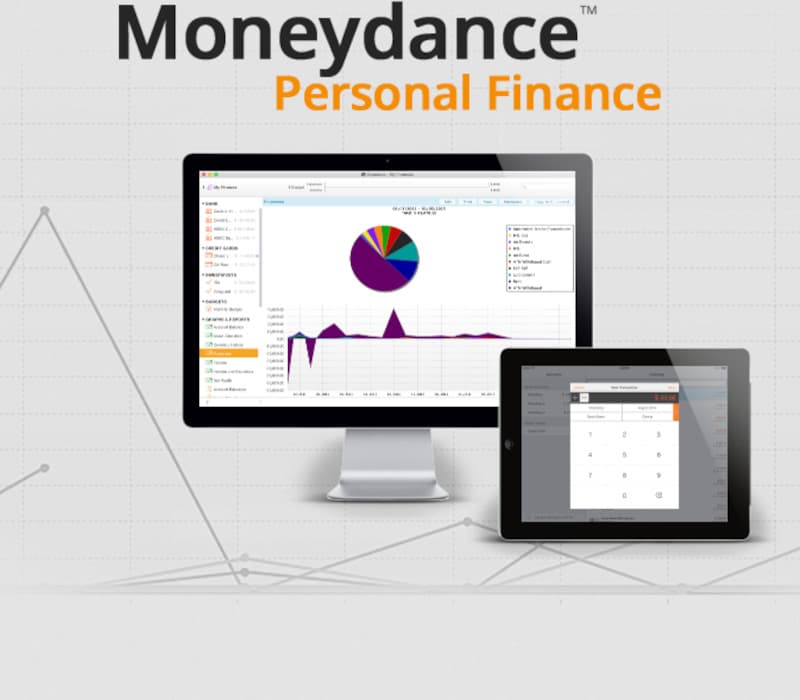 Moneydance Personal Finance for Windows CD KeyCurrentotherGLBkey2.45 USD
 Moneydance Personal Finance for MAC CD KeyotherGLBkey1.57 USD
 Moneydance Personal Finance for Linux 2022 CD KeyotherGLBkey4.94 USD
Moneydance Personal Finance for Windows CD Key
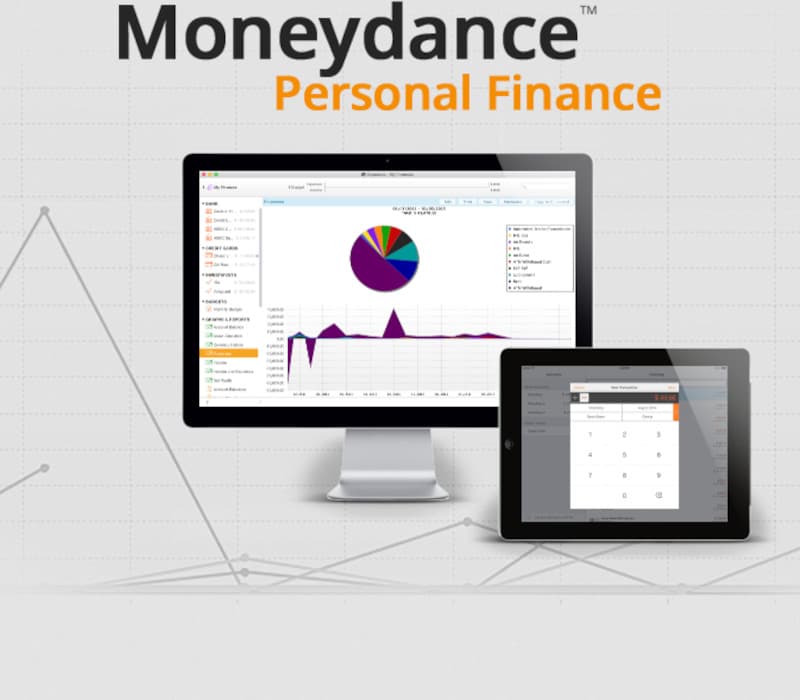
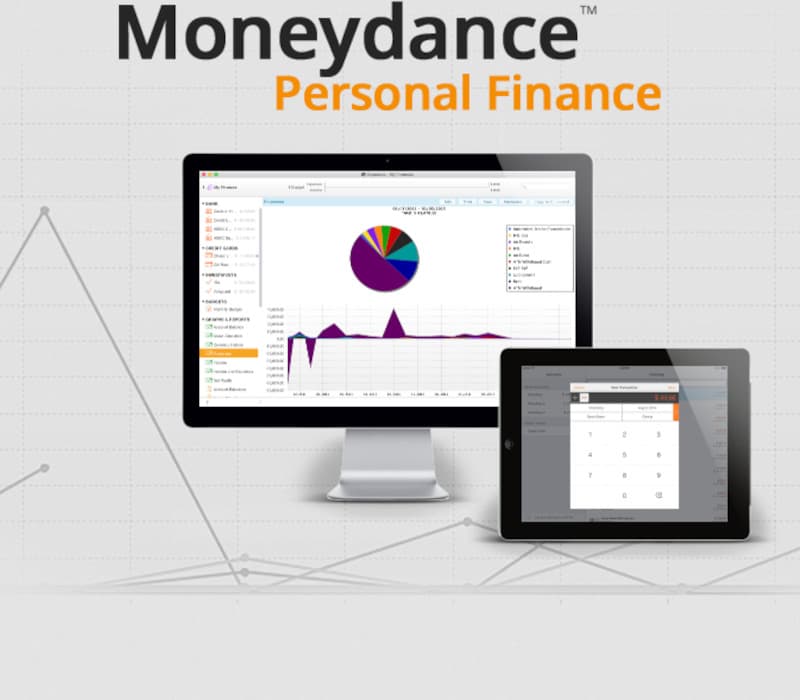
Moneydance for Windows is an easy to use and full-featured personal finance app that doesn't compromise your privacy. With Moneydance, your data is private, encrypted, and never shared. Moneydance makes any financial task easy with online banking and bill payment, account management, budgeting, investment tracking, multi-currency, as well as detailed graphs and reports.
Features
Online BankingMoneydance can automatically download transactions and send payments online from hundreds of financial institutions. It learns how to automatically categorize and clean up downloaded transactions. SummaryThis is an overview of your finances.
The information shown includes account balances, upcoming and overdue transactions and reminders, and exchange rate information. Clicking on an account or choosing an account from the drop-down account list will take you to the register for that account, where you can enter transactions or reconcile the account against a statement.
Clicking on a transaction reminder will display a window where you can automatically record the transaction. Graphs & ReportsUse the graphing tool to generate visual reports of your income and expenses. Set the graph type, the date range, and any specific settings for the type of graph you desire.
Pop-up balloons display more information about the data being graphed as you move the mouse pointer over different regions of the screen. Graphs can also be printed or saved to PNG image files. Account RegistersThe account register is used to enter, edit, and delete transactions in an account.
It is visually similar to a paper checkbook register, but the calculation of balances and sorting of transactions is all done automatically. The payee auto-complete feature makes it easier to enter and categorize your transactions. RemindersYou can set up a payment schedule for single or recurring transactions so you'll never miss a payment.
InvestmentsFollow your investments and bring your portfolio into focus with support for stocks, bonds, CDs, mutual funds, and more. View the total value of your investment accounts or the performance of individual stocks and mutual funds over time. Stock splits and cost basis computations are a snap, and current prices can be downloaded automatically.
Languages
English
Frequently Asked Questions
Find answers to the most common questions below.