
43.10 USD
Learn Japanese To Survive! Kanji Combat - Flash Cards DLC Steam CD Key | Instant Delivery | GamesDrop
Learn Japanese To Survive! Kanji Combat - Flash Cards DLC Steam CD Key
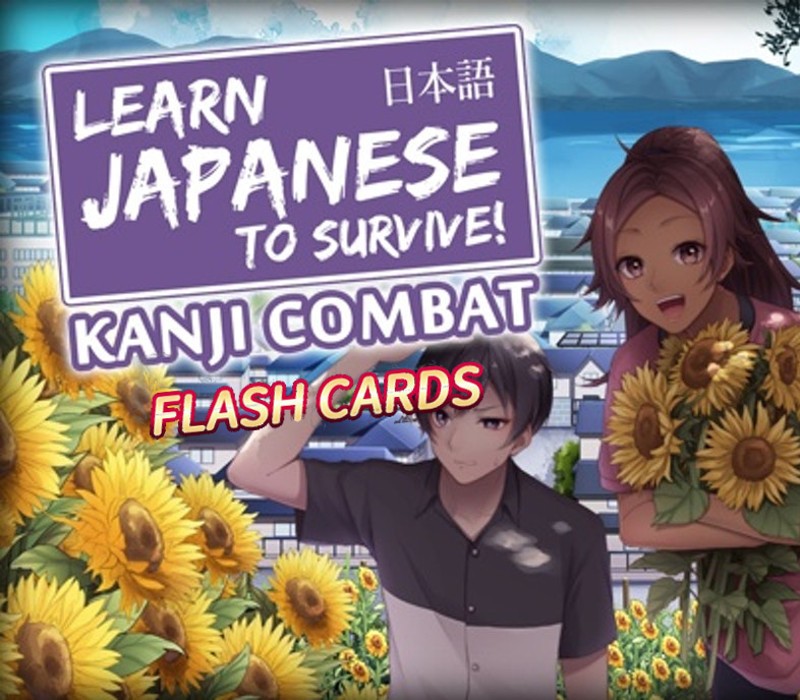
Learn Japanese To Survive! Kanji Combat - Flash Cards DLC Steam CD Key
ϟFastSafe24/7Official partner
Region & activation
Check the platform, product region and excluded countries before purchase. Regional labels describe the intended activation area; exclusions always take priority.
Learn Japanese To Survive! Kanji Combat - Flash Cards DLC Steam CD Key
Global or Region Free generally supports broad activation, subject to the listed exclusions.
Provider label: REGION FREE
Platform
Steam
Region
Global
About Learn Japanese To Survive! Kanji Combat - Flash Cards DLC Steam CD Key Gift Cards
This DLC pack contains 80 double-sided kanji flash cards. These are ready to print at home, and feature artwork from Learn Japanese To Survive! Kanji Combat.Buying this DLC pack allows you to download a set of flash cards that are suitable for printing. Follow the instructions included to print the cards correctly, and then cut them out to use your new cards in your studies!Contains 80 flash cards, covering the first set of kanji featured in the game.[LOCATING YOUR DLC ONCE PURCHASED & DOWNLOADED]DLC files are downloaded to your game's Steam directory after purchase. The default location is:\Program Files (x86)\SteamLibrary\steamapps\common\Learn Japanese To Survive! Kanji Combat\If this is not valid on your computer, locate your game's install directory using these instructions: Open the Steam client and navigate to your game library Right-click the entry for Learn Japanese To Survive! Kanji Combat and select Properties Click the Local Files tab Click Browse Local Files This will open the game's directory, and once your DLC is installed, you'll be able to view the files.
Developer
Sleepy Duck
Publisher
RIVER CROW STUDIO
Release date
2019-07-31T00:00:00Z
Languages
English
System requirements
[{"requirement":["OS: Windows 7/8/8.1/10 (32bit/64bit) Processor: Intel Core2 Duo or better Memory: 2 GB RAM Graphics: DirectX 9/OpenGL 4.1 capable GPU Storage: 2 GB available space"],"system":"Windows"},{"requirement":["OS: Mac OSX 10.10 or better Processor: Intel Core2 Duo or better Memory: 2 GB RAM Graphics: Compatible OpenGLR Storage: 2 GB available space"],"system":"Mac"}]
Frequently Asked Questions
Find answers to the most common questions below.