
2.58 USD
Laser Ball Steam CD Key | Instant Delivery | GamesDrop
Laser Ball Steam CD Key
Laser Ball Steam CD Key
ϟFastSafe24/7Official partner
Region & activation
Check the platform, product region and excluded countries before purchase. Regional labels describe the intended activation area; exclusions always take priority.
Laser Ball Steam CD Key
Global or Region Free generally supports broad activation, subject to the listed exclusions.
Provider label: REGION FREE
Platform
Steam
Region
Global
Laser Ball Steam CD Key
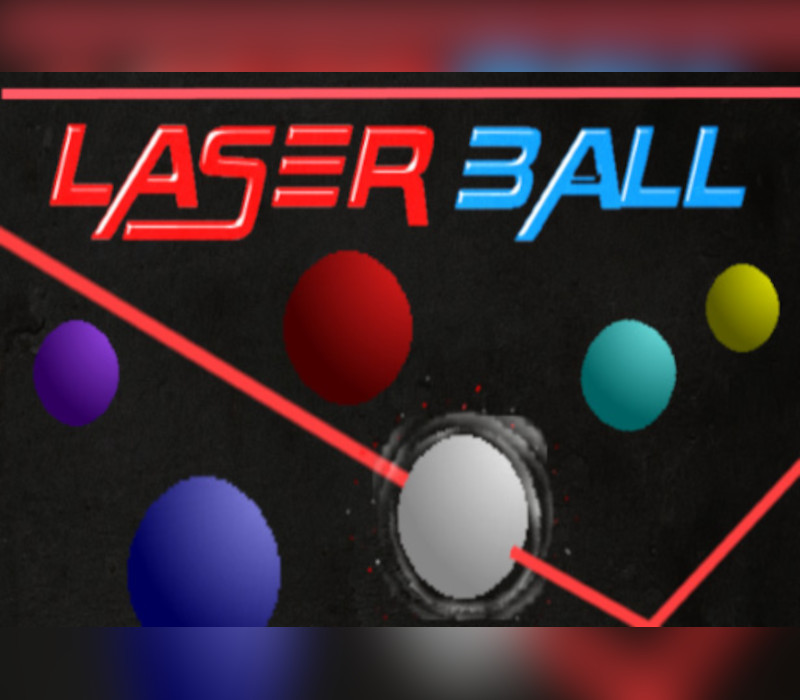
In this fast and furious game, you play as the last employee left in a hazardous electric company where big bouncing balls have gotten into a short circuited panel! You'll need to race against time to use a neutralizing laser gun to shoot the colored balls, matching the ball you shoot to the border color. Once you neutralize that ball and turn it white in color, that ball and only that ball is safe for you to touch and collect and deposit in the collection basket.The action heats up as you progress, getting more and more chaotic and should offer plenty of fun and replay value!Laser Ball is my recreation of an old Commodore 64 type in classic action arcade game I enjoyed as a teenager. It was originally published in Compute! magazine (Oct 1985) and was called 'Laser Beam".Controls:W, A, S, D or Arrow Keys - Used to move your character.Left Click on Mouse [or] SPACE Bar - Used to deposit collected balls in deposit basketFrom the Control Panel:Left Mouse/Right Mouse Buttons: Used to Rotate your neutralizing gun around the roomSPACE BAR - Used to shoot a neutralizing laser beam at the bouncing balls******** THIS GAME ALSO OFFERS CONTROLLER SUPPORT! **********Left Stick - to move your character.A Button - to deposit balls in the deposit basketFrom the Control Panel:L1 or L2 AND R1 or R2 or right stick can be used to rotate your laser gun around the roomA button - fires a neutralizing laser beam at the bouncing balls
Release date
2018-03-30T00:00:00Z
Languages
English
System requirements
[{"requirement":["Minimum: OS: Windows 7 or higher Processor: 1 Ghz CPU Memory: 512 MB RAM Graphics: 128 MB graphics card minimum Storage: 50 MB available space"],"system":"Windows"}]
Frequently Asked Questions
Find answers to the most common questions below.